Keep their time on the ice.
Review game footage and select your player’s shifts. Pick out the goals, assists, and plays you want to keep.
For the moments worth sharing
Turn hockey game film into player highlights. Find their shifts, trim their plays, and make a reel you’re proud to share.
Video editing for Windows + Mac
Made for hockey footage
QuickShifts is video editing software for hockey parents, players, and coaches. Start with game film or LiveBarn footage, then build a focused set of clips around your player.
Review game footage and select your player’s shifts. Pick out the goals, assists, and plays you want to keep.
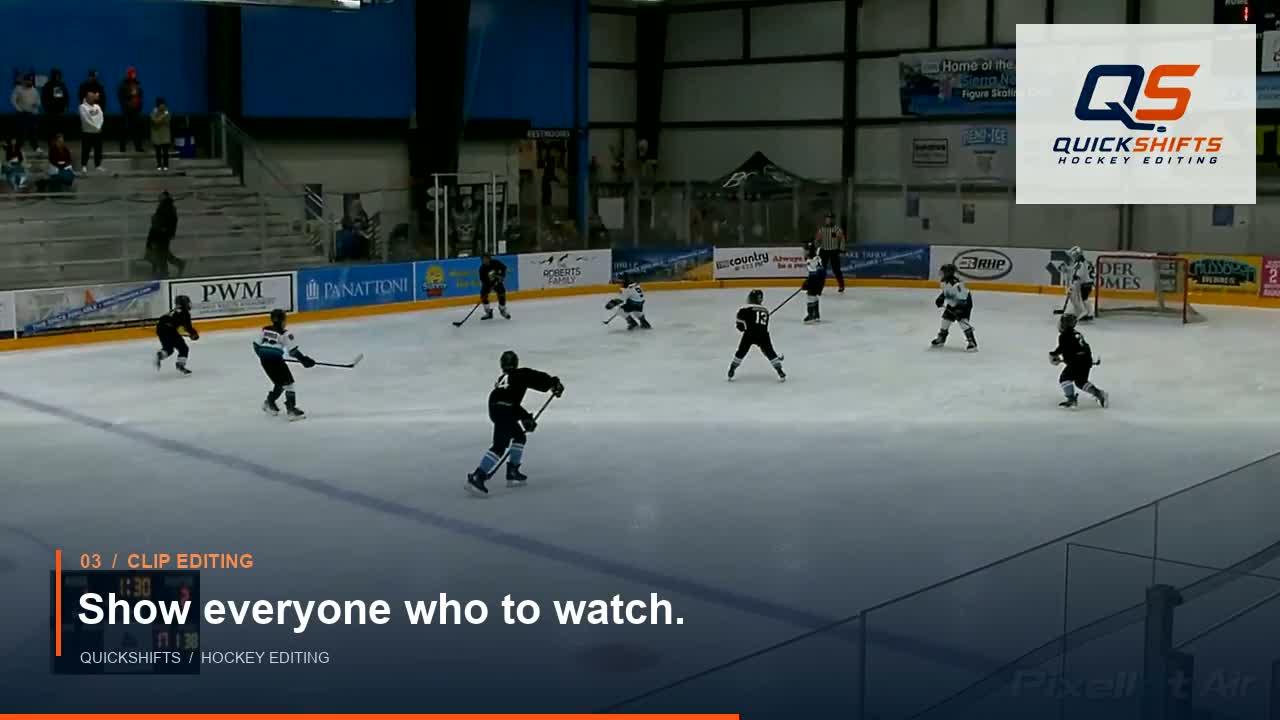
Trim the action to the right length. Add player markers so viewers know exactly who to watch.
Arrange your clips, add music, and export a highlight reel. Build around one game or collect plays from across the season.
Watch the overview
A quick look at turning game footage into clips and a player highlight reel.
37 seconds · Sound and captions available
A simple place to start
Read the editing guide →
Common questions
QuickShifts helps you edit hockey game footage into player clips and highlight reels. You can select shifts, trim clips, add player markers, arrange plays, and add music.
You can start with LiveBarn footage you have saved and are permitted to use. QuickShifts is a separate editing tool; access to LiveBarn footage is not included.
QuickShifts has Windows and Mac versions. Public download links and purchasing details will be added here when available.
The workflow shown here is based on reviewing your footage and selecting your player’s shifts and plays. This site does not promise automatic player tracking or goal detection.
Yes. Collect clips of goals, assists, and other plays from across the season, then arrange them into a highlight reel with music.
Add music you have permission to use. Some music is available free under its creator’s terms; check those terms before sharing your reel.
Launch pricing
A paid trial with 7 days of access. Access ends when the trial expires.
Prefer to buy? QuickShifts is $29.99 as a one-time purchase. No monthly subscription.
Coming soon: paid trials, downloads, and purchasing for Windows and Mac.
QuickShifts
Start with the game. Finish with a highlight reel.